Copilot and AI Training Course

We’ve been running Copilot and AI training privately for our clients for some time. Lately, we’ve been hearing the same thing from smaller teams and individuals: they want access to practical AI training without the cost of a private session.

So we’re making our Copilot and AI Training Course public.

On Thursday, 4 June 2026, we’re hosting an in‑person Copilot and AI training workshop in Brisbane, open to both clients and the public. It’s designed for people who want to use AI in their day‑to‑day work, not just understand how it works.

The course is shaped by real client delivery and the practical realities of using AI in environments where privacy, security, and compliance matter.

Date

4 June 2026

Time

8:30 am – 4:30 pm

Location

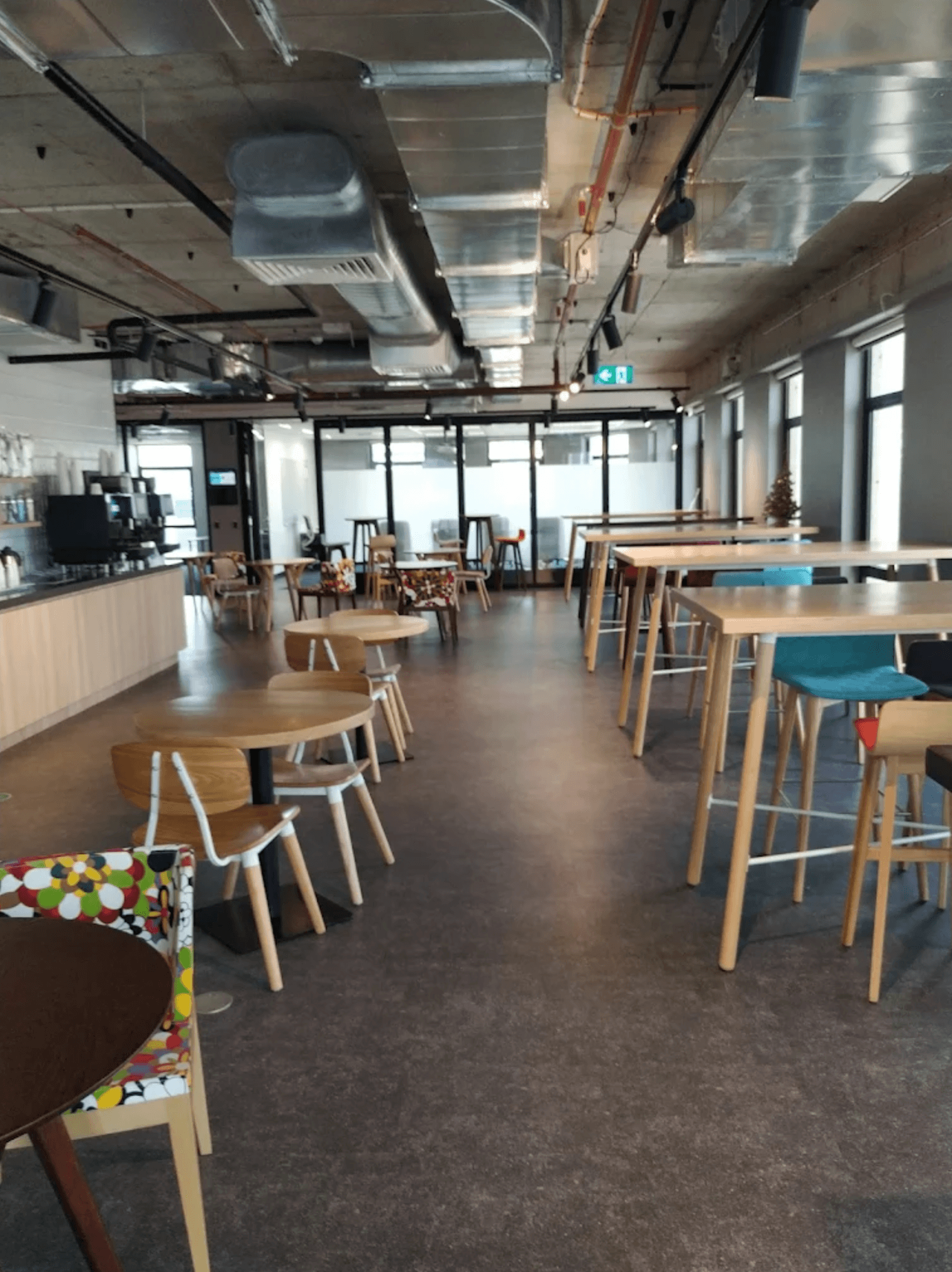
Cliffton’s, Level 24, 288 Edward St, Brisbane QLD 4000

What to expect from the Copilot and AI Training Course

Hands‑on learning

Real Copilot and AI use.

Task‑driven

Built around day‑to‑day work.

Practical, realistic application

How to use Copilot and AI, not just in theory.

What’s different about this AI training?

Stress‑tested AI

Proven in complex, high‑risk, compliance‑heavy environments.

Responsible AI

Learn safe, secure use of AI.

Real‑world experience

Shaped by AI implementation for our clients.

Built for secure and regulated environments

Security‑first

Privacy and data protection prioritised.

High‑risk ready

We support government, legal, medical, finance, and more.

Compliance‑aware

Designed for regulated industries.

Learning Outcomes

This workshop is delivered in 7 modules. You’ll learn to:

Confidently use Copilot AI across Microsoft 365

You’l learn knowing exactly what Copilot AI is, where it fits within the Microsoft product ecosystem, and how it enhances day‑to‑day work, enabling you to move from curiosity to confident use.

Including how to:

• Identify the tasks Copilot AI performs best.
• Set realistic expectations about quality, speed, and appropriate use.
• Understand what makes Microsoft 365 Copilot AI different from generic AI chatbots.

Use the Copilot app to accelerate everyday work

You’ll learn practical ways to improve output quality and reduce time spent on drafting and research.

Including how to:

• Generate documents, ideas, and summaries using the Microsoft 365 Copilot app.
• Navigate and use integrated Copilot Notebooks in OneNote.
• Apply productivity‑boosting shortcuts and prompting patterns.

Write effective prompts that deliver accurate, useful results

You’ll gain a repeatable prompting framework you can use across all Microsoft apps.

Including how to:

• Use techniques to refine Copilot AI responses.
• Use methodical, structured prompts that produce consistent, high-quality results.

Transform communication and meetings with Copilot in Outlook & Teams

This module focuses on high‑impact skills for daily communication and collaboration.

Your team will learn to:

• Manage their inbox.
• Improve follow-up procedure.
• Summarise Teams chats and channels.
• Summarise long email threads and draft emails faster.
• Use Copilot for meeting prep, notes, recaps, and actions.
• Use audio recap features to extract essential insights automatically.

Run more effective meetings with Facilitator

Facilitator gives structure, clarity, and accountability to meetings, your team will learn how to use it before, during, and after discussions.This module focuses on high‑impact skills for daily communication and collaboration.

Your team will learn to:

• Capture real‑time insights and follow‑ups.
• Apply best‑practice meeting behaviours supported by AI.
• Use Facilitator for planning, agenda creation, and context setting.
• Produce consistent, high‑quality recaps with customisable templates.

Draft, rewrite, analyse, and automate with Copilot in Word & Excel

This module focuses on building practical document‑creation and data‑analysis skills.

Your team will learn to:

• Draft and rewrite documents using Copilot in Word.
• Analyse data, create formulas, and explore insights in Excel.
• Use Excel “Analyst mode” for deeper reasoning and analysis.
• Use Agent Mode for more advanced, goal‑driven document tasks.
• Move seamlessly between OneNote, Word, Excel, and Copilot Chat to complete work faster.

Build sustainable AI habits

The program ends with guidance on embedding Copilot into daily workflows.

Your team will learn to:

• Streamline daily tasks with AI.
• Troubleshoot common Copilot mistakes.
• Use effective Copilot prompting for consistent output.
• Identify the highest‑value Copilot use‑cases for their role.
• Maintain momentum with curated learning resources and next steps.

Who is this for?

Individuals

Professionals wanting practical AI skills.

Small teams

More budget-friendly than private training.

Leaders

Ops, IT, management, and leaders.

Regulated industries

Government, legal, medical, finance.

Security‑focused orgs

Privacy and compliance‑first.

Hands‑on users

People with real tasks to solve.

About the presenter

Jaeden Cook
AI and IT Engineer

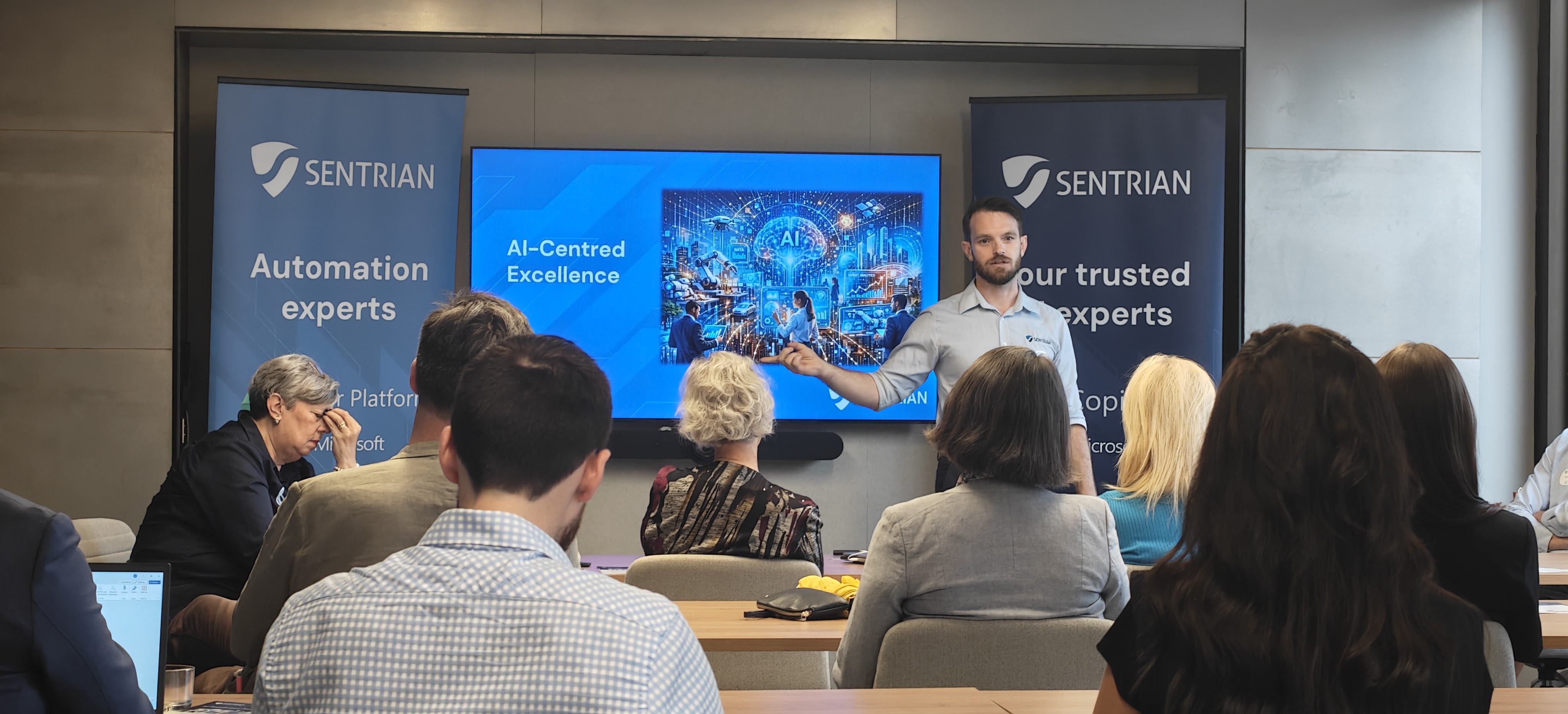
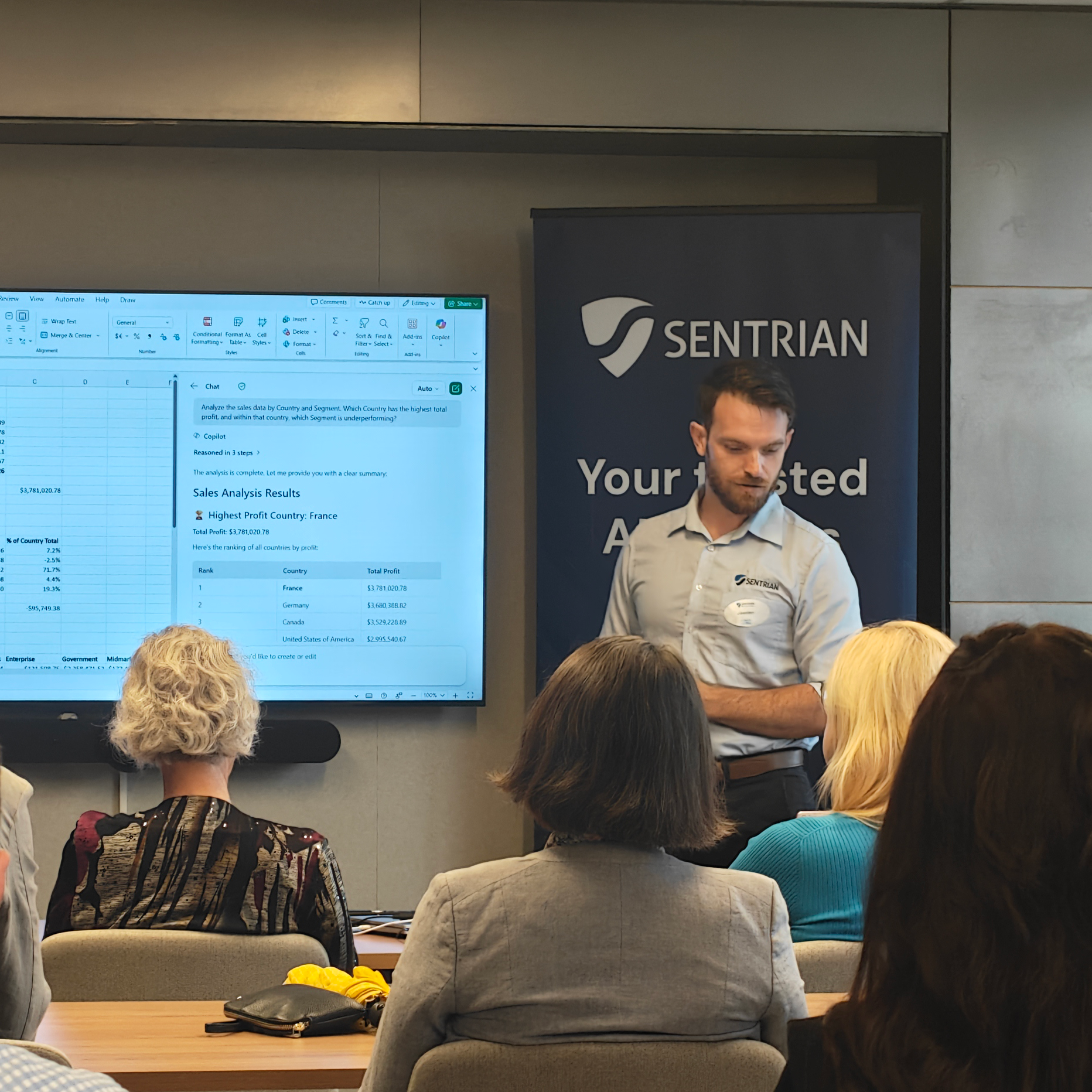
Jaeden works hands‑on with organisations across Australia to design and implement AI solutions in real operating environments.  He delivers AI training, workshops, and webinars focused on real‑world use, with a strong emphasis on clarity, responsibility, and day‑to‑day application. You may also recognise him as the face of Sentrian’s AI in 90 Seconds or Less series.

Jaeden is known for his rare ability to translate complex technical concepts into practical, clear guidance. His extensive experience spans multiple AI platforms and systems, shaped by day‑to‑day delivery and implementation work.
Price

In Person · Brisbane · 4 June 2026

What to bring:

Your work laptop and an active Microsoft Copilot 365 License.
(not required, but highly recommended)

Certificate:

You’ll receive a training certificate along with a LinkedIn badge for completing this training.

Catering:

Includes continental breakfast and morning tea, lunch, afternoon tea, plus coffee, tea, and water available all day.

We specialise in supporting:

• Small to medium-sized businesses;
• Service delivery organisation;
• High-risk sectors like government, legal, medical, accounting, property, infrastructure, and construction.

$757 per person
(Excl. GST)
Bundled pricing is available for groups of two or more.

Discounts available for existing Sentrian clients.
Includes:
Full day training
Catered morning + lunch & afternoon tea
Certificate
Book your seat